
9. Approvals
Reviewing approval queues and decision history
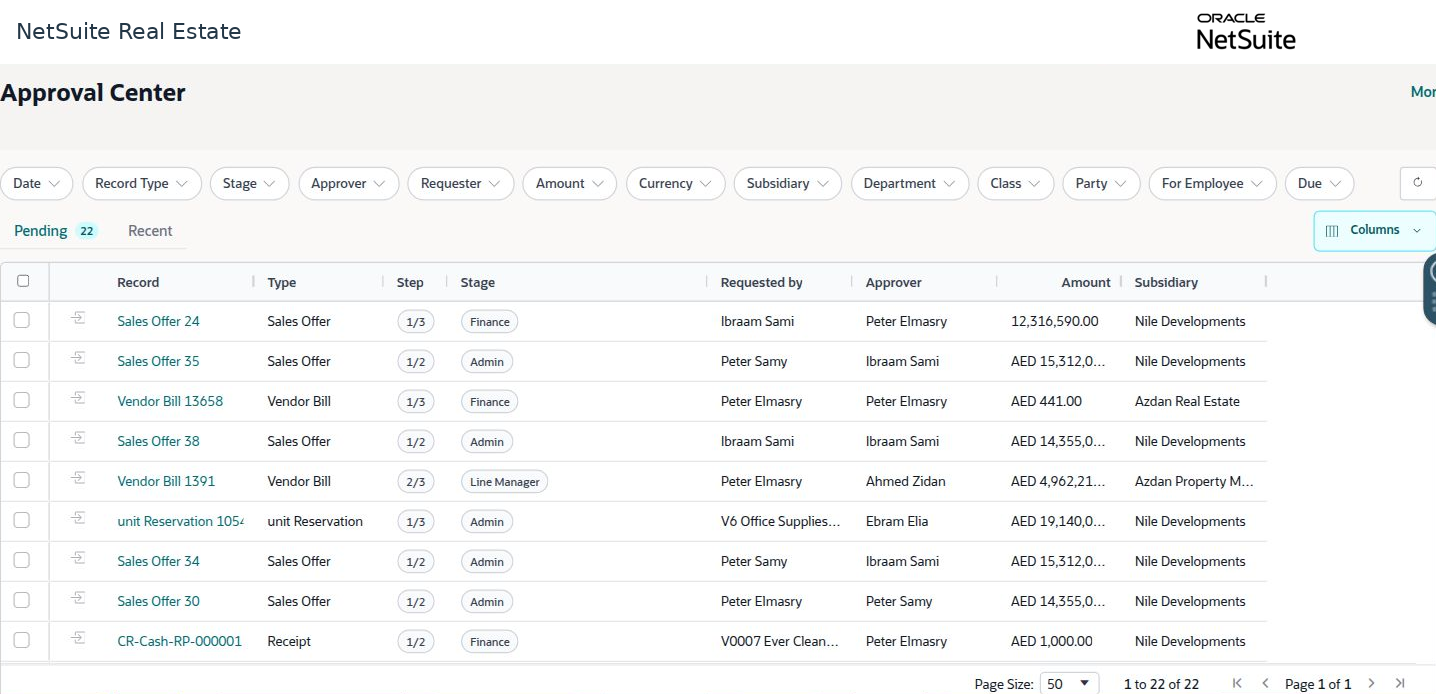
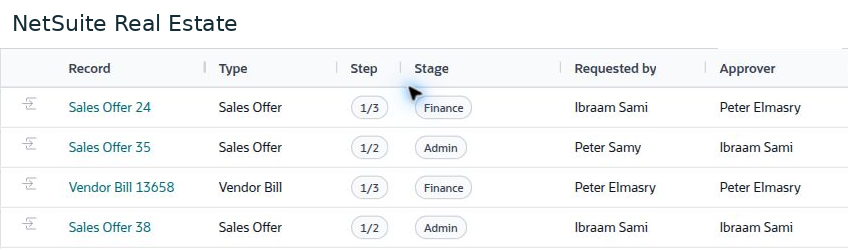
The approvals center shows pending work and its current decision stage. Use the source record and approval history together to understand what is being approved and what remains to be completed.
Navigation: Launch page > Approvals > Approvals center or Approvals monitor.
Workspace overview
Before you begin
Use the appropriate approval role and confirm the source record, amount, currency, reason, and supporting documents.
Procedure
- Open Pending and apply the relevant filters, such as record type, stage, approver, requester, subsidiary, amount, currency, or due date.
- Open the record or approval details. Review the business purpose and the source data instead of relying only on the queue summary.
- Check previous stages, current approver, required evidence, and any exception or comment.
- Use the decision action available to your authorized role. Supply a clear reason when returning or rejecting a request where the workflow requires it.
- Review Recent or the approval history to confirm the decision. Then check whether another approval, posting, or operational stage remains.
Result
The decision is attached to the correct record and visible in the approval history.
Important
Approval does not necessarily post a financial transaction or complete the entire business process. A disabled action can reflect role permissions, missing evidence, selection requirements, or record eligibility.