
Facility Management
Facility maintenance lifecycle
Facility management connects reported issues, planned maintenance, work authorization, execution, and verification. The source of work determines which records begin the cycle.
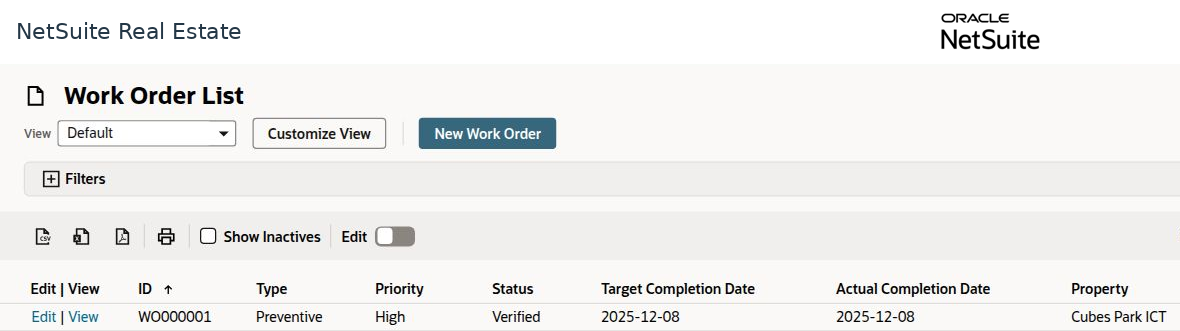
Navigation: Facility Management > Service Request > Cases, Work Request, or Work Order.
Workspace overview
Before you begin
Confirm the property or unit, affected asset, problem or preventive requirement, priority, responsible team, and applicable service commitments.
Procedure
- For a reported tenant issue, review the service case and its communication history.
- For a work requirement, review the work request and its approval status. Open the linked work order when it exists.
- For planned maintenance, review the asset PPM schedule, due date, checklist, and linked work-order source.
- Review the work order's type, priority, assignment, scope, target date, and applicable SLA information.
- Complete the work through the authorized operational process, retain evidence, and record the actual completion information.
- Confirm verification and follow up on the originating case, request, schedule, or move-out activity.
Result
The maintenance activity is traceable to its source and verified completion.
Important
Cases, work requests, and work orders are related but distinct records. Do not infer that every case automatically creates a work order, or that an approved request means work is complete.