3. Reservations & Contracts
Creating a sales contract from a reservation
A sales contract formalizes an eligible approved reservation. The contract wizard carries forward the reservation's parties, pricing, and payment-plan information.
Navigation: Launch page > Reservations & Contracts > Sales contracts > New.
Before you begin
The reservation must be approved and must not already have a sales contract. Confirm that customer ownership, price, and plan information are correct on the source reservation.
Procedure
- In Reservation, Parties & Plan, select the eligible reservation.
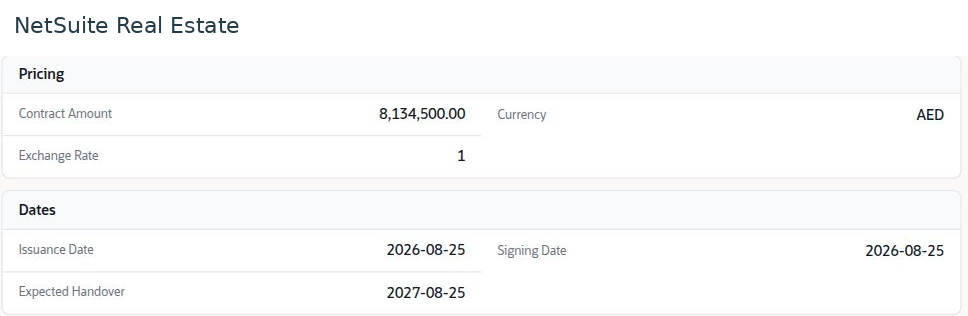
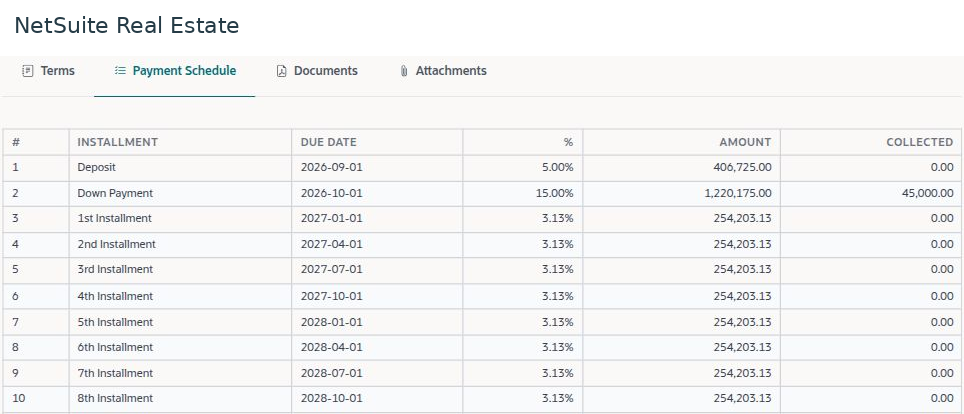
- Review the inherited parties, ownership shares, price, and payment plan. Return to the source reservation process if these values require correction; they are read-only in this stage.
- In Contract Details, complete the required contract information shown for your account.
- In Contract Terms, review the applicable terms and document requirements. Use the approved template and language for the transaction.
- In Review & Confirm, compare the contract with the approved reservation and confirm it through the authorized workflow.
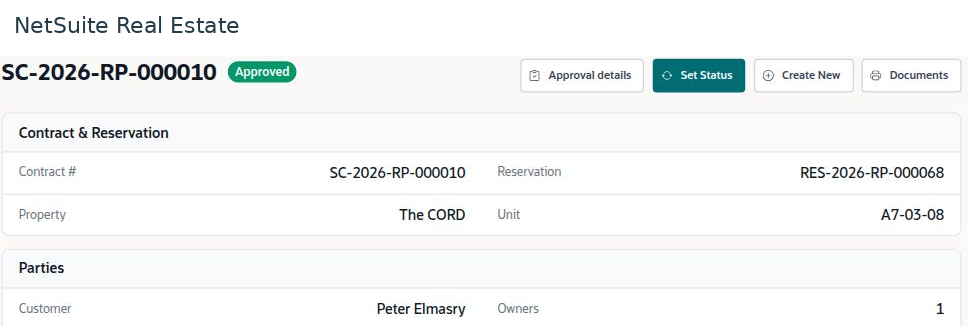
- Reopen the resulting record. Verify the contract number, source reservation, unit, parties, schedule, and current approval or activation status.
Result
The sales contract preserves the connection to the approved reservation and becomes the reference for collections and after-sales processing.
Important
If a reservation is missing from the selection list, check its approval state and whether a contract already exists. Do not create a second reservation simply to bypass eligibility rules.
Screen walkthrough