4. Collections & PDC
Reviewing late payment penalties
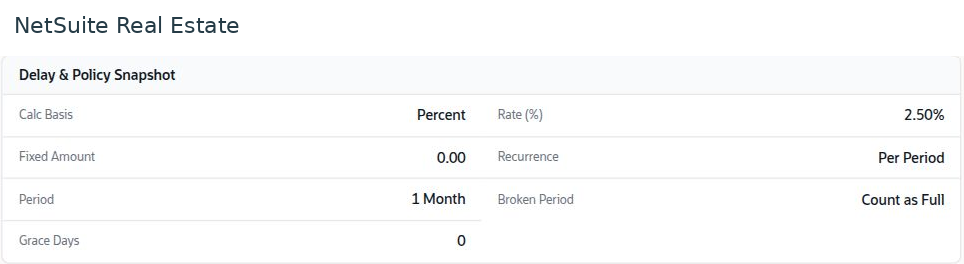
A late-payment penalty request calculates a proposed charge against selected overdue obligations. The applicable basis, rate, grace period, and approval requirements come from the configured policy and agreement.
Navigation: Launch page > Collections & PDC > Late-payment penalties > New or Browse.
Before you begin
Confirm the reservation, unpaid obligations, settlement date, contractual policy, and any source bounced cheque. Reconcile recent receipts first.
Procedure
- In Context, select the reservation and the reason, such as Bounced Cheque or Delay Payment.
- Enter the settlement date and source PDC when relevant. Verify that the date reflects the calculation being requested.
- In Installments & Calculation, review the selected installments, outstanding values, grace treatment, and calculated penalty.
- In Review, confirm the reason and supporting evidence before submitting through the available approval process.
- Reopen the resulting request and verify its status and any related charge or financial transaction before communicating a final balance.
Result
The proposed penalty is linked to the source obligation and can be reviewed before financial processing.
Important
Do not apply a rate from a screenshot as company policy. If an installment was recently paid, reconcile the receipt and allocation before calculating a penalty. A calculation preview is not proof that a charge has been posted.
Screen walkthrough