2. Property setup
Reviewing installment payment plans
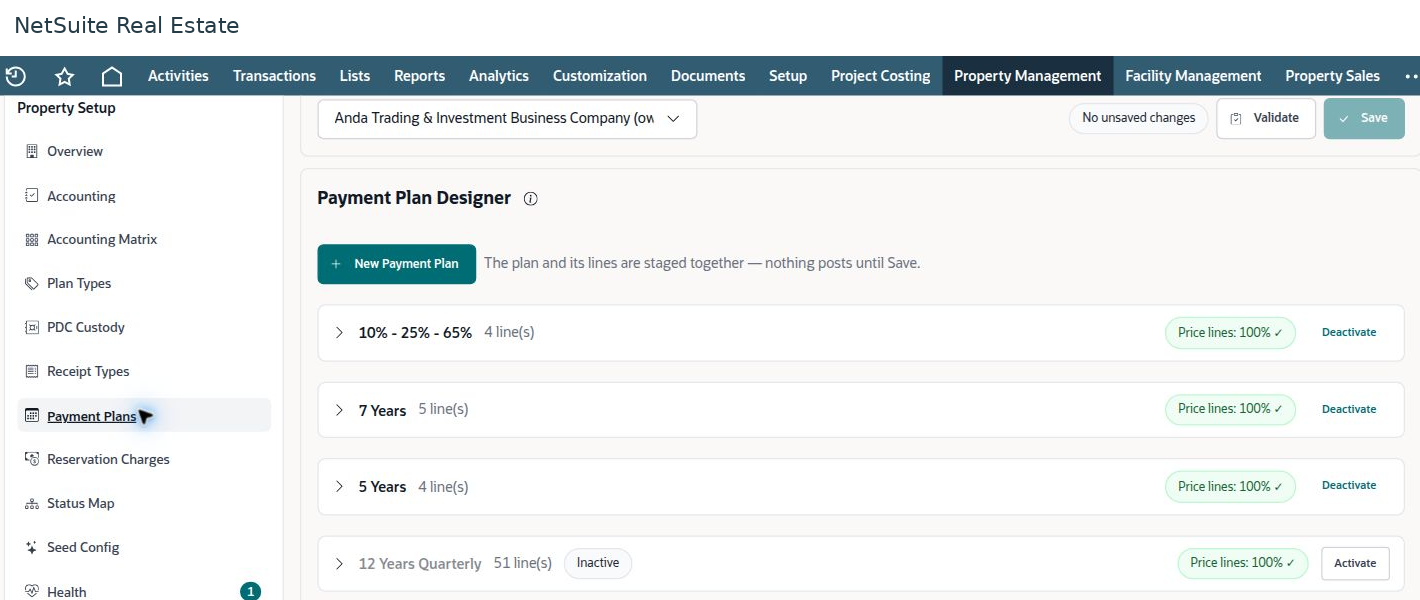
A payment plan defines how the property selling price is distributed across scheduled obligations. Check the plan structure and its active status before using it in a reservation.
Navigation: Launch page > Property setup > Payment Plans.
Before you begin
Have the approved commercial terms, payment dates or timing rules, and treatment of separate charges available.
Procedure
- Select the property and open Payment Plans.
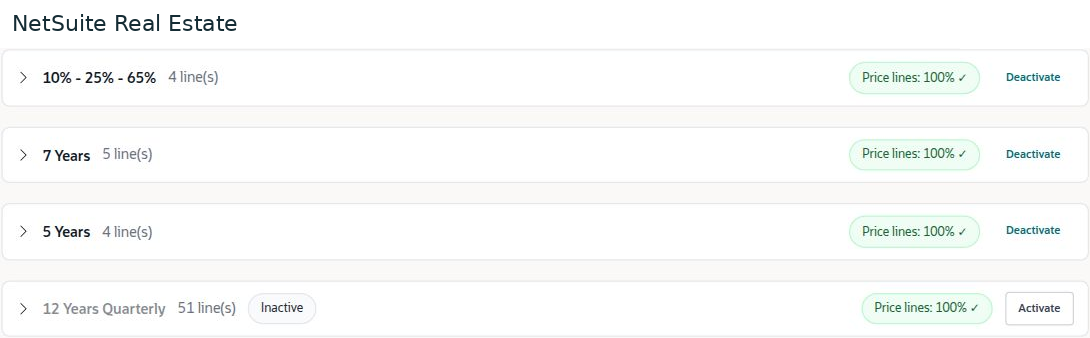
- Review the plan name, number of lines, active or inactive status, and Price lines total.
- Expand the relevant plan and review its schedule lines. Confirm that the price allocation totals 100 percent and that timing matches the approved commercial offer.
- Check separately billed amounts, such as maintenance or reservation charges, against their configured charge rules. Do not assume they are part of the selling-price allocation.
- For an authorized change, validate the plan and its lines before saving. Recheck the resulting reservation schedule before submitting a customer transaction.
Result
The selected plan produces a schedule that represents the agreed price allocation and timing.
Important
A plan name alone does not prove the schedule is correct. An inactive plan can have valid percentages, and a populated plan can still have an invalid total. Correct the source plan through the authorized setup process.
Screen walkthrough